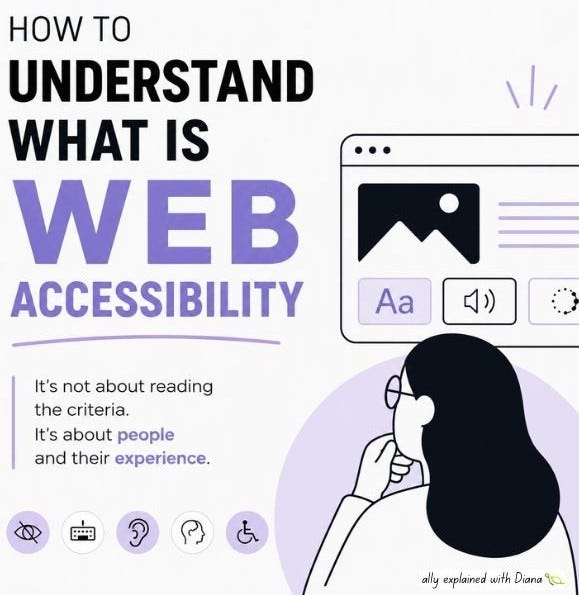
Web accessibility is not something you understand by reading the criteria

If someone wants to understand what web accessibility actually is, I would not recommend to read WCAG as a first step. The criteria are important, but accessibility is primarily about people and their experiences.
Can someone navigate your site without a mouse?
Can they understand a form when the structure is confusing?
Can they use your product with low vision, color blindness, captions, zoom, or assistive technology?
Can they complete a task independently, without workarounds?
That is accessibility. This is why I think the best way to introduce accessibility is through experience, not through rules.
Here are few examples of online tools for understanding web accessibility:
An interactive simulator built specifically to experience how people with disabilities encounter the web. It includes simulations such as low vision, color blindness, keyboard-only navigation, dyslexia and cognitive overload.
A browser extension that lets you experience websites through different impairments: blurred vision, color blindness, tunnel vision, reduced contrast, tremor, dyslexia, ADHD, hearing-related simulations, and keyboard-only navigation.
This tool is useful for showing how color-dependent interfaces fail for people with color vision deficiencies and how quickly interfaces fail when meaning depends on color alone.
Do a few simple exercises:
use a website without a mouse
zoom to 200%
watch a video without sound
complete a form with poor labels, weak focus states, and broken error handling
These exercises are useful because they reveal how many digital products are still built around a very narrow assumption of the “default user” - someone with perfect vision, hearing, precision, memory, and attention.
But they are still only a starting point. If you really want to understand accessibility, you need to learn from people with disabilities themselves: not only by observing how they use assistive technologies or by inviting them to test a product at the very end. It is important to involve them as early as possible - in research, in design conversations, in testing and in feedback loops.
No simulator can replace lived experience: a real user can tell you what it means to rely on zoom every day, to lose context while navigating, to fight a checkout flow with a screen reader or to abandon a form because it was simply too exhausting to complete.
Accessibility starts making sense when it stops being treated as a set of requirements to satisfy and starts being understood as a question of who gets excluded, where, and why.