Visually-hidden content ≠ harmless

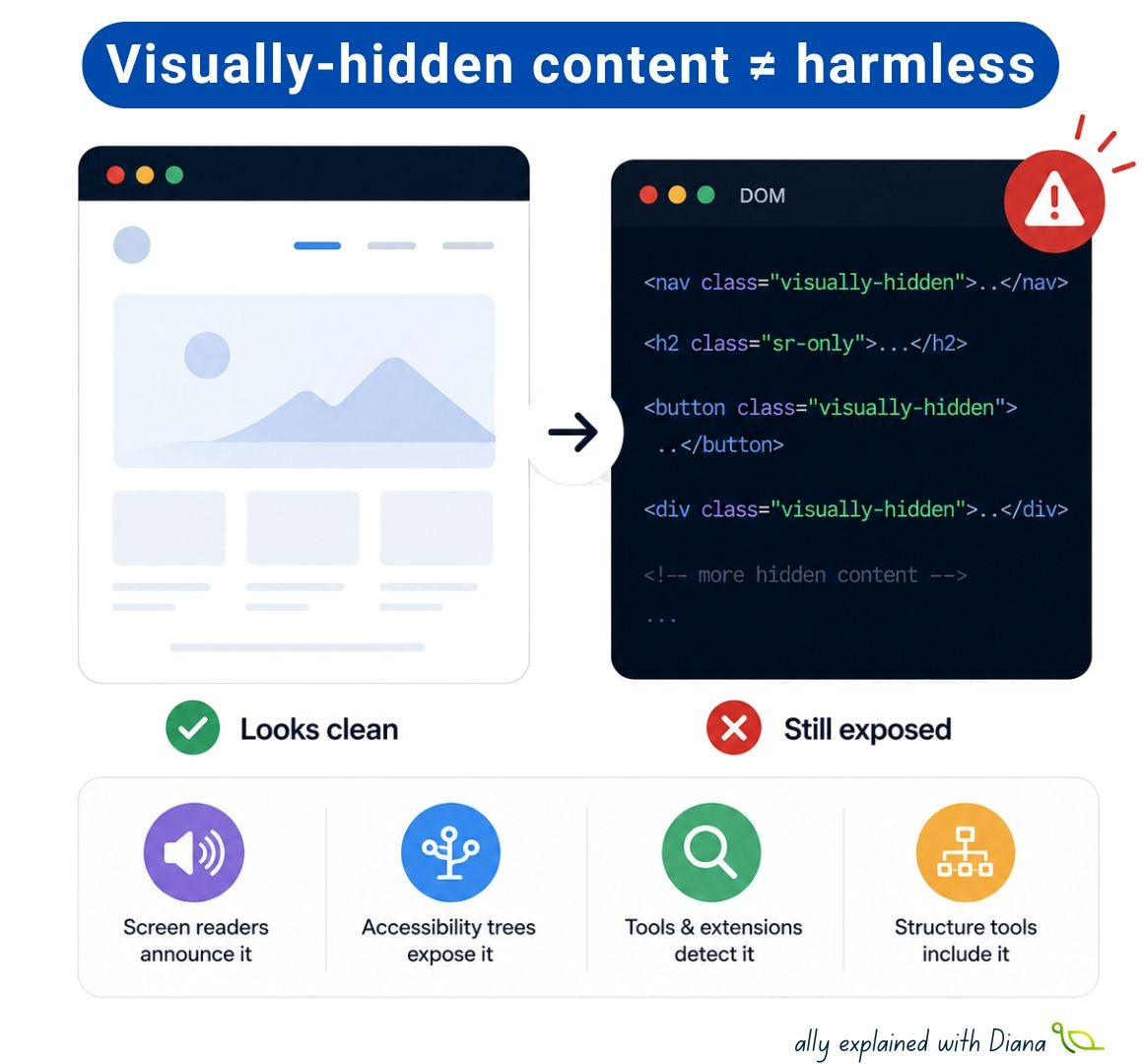
During accessibility audits, I often find “hidden” buttons, links, headings, labels and even entire navigation sections left in the DOM with classes like visually-hidden or sr-only. Usually the explanation is: “we kept it in case we need it later”, but visually hidden content is not truly hidden.
➡️ Screen readers can still announce it.
➡️ Accessibility trees still expose it.
➡️ Browser extensions still detect it.
➡️ Semantic structure tools still include it.
A page may look perfectly clean visually while being chaotic semantically.
Recently I’ve audited a web page with 5 visible headings, but 18 headings exposed to assistive technologies. Most of them were leftovers from redesigns, old modals, collapsed sections, or “temporary” code never removed.
This matters because blind users do not navigate pages visually. They rely on:
headings
landmarks
regions
forms
links
focus order
Every unnecessary hidden element becomes additional cognitive load.
Research in the International Journal of Human-Computer Studies showed that reducing redundant information significantly improves usability and navigation efficiency for blind users.
Another overlooked issue: hidden content also affects developers and QA teams. Tools like axe DevTools, WAVE, Accessibility Insights, HeadingsMap still expose these hidden structures because they analyze the DOM and accessibility tree, not just the visual interface.
So teams end up debugging “ghost structure” invisible to sighted users, but still consumed by assistive technologies.
And this is not just a screen reader issue, it can affect:
keyboard navigation
focus order
cognitive accessibility
automated accessibility testing
semantic interpretation
even SEO signals when hidden text appears manipulative
Research and WCAG discussions repeatedly show that redundant hidden content increases confusion, navigation time, and interaction errors for assistive technology users.
✅ Purposeful hidden content:
skip links
labels for icon-only buttons
additional context for screen readers
❌ Forgotten hidden content:
deprecated buttons
duplicate headings
hidden menus still exposed
unused modal titles
abandoned UI components
It is important to remember that a visually-hidden class is not a storage solution: if content has no accessibility purpose, it probably should not exist in the DOM. And web accessibility is not only about what users see, it is also about what they hear, navigate and cognitively process.