CAPTCHA vs Accessibility: when security becomes a barrier

CAPTCHAs were introduced to protect websites from spam, fake registrations and automated attacks. But research over the last decade has revealed an uncomfortable reality: many CAPTCHA systems are now harder for humans than for bots and users with disabilities are often the most impacted.
A 2014 research paper, “CAPTCHA and accessibility. Is this the best we can do?”, highlighted how CAPTCHA mechanisms frequently conflict with accessibility principles and can prevent users from completing tasks independently.
Another study focusing on users with learning disabilities showed that distorted text, complex visual puzzles, and unclear audio instructions create significant cognitive barriers.
Research on smartphone CAPTCHA usability also demonstrated important accessibility issues for blind and deaf users because many challenges rely heavily on vision, audio perception, or precise gestures.
The paradox is striking: the more difficult a CAPTCHA becomes for bots, the more difficult it often becomes for humans too. At the same time, AI is becoming increasingly effective at bypassing traditional CAPTCHA systems.
Unexpected facts about CAPTCHA evolution:
Early reCAPTCHA systems helped digitize books and archives using human responses.
Audio CAPTCHAs are often inaccessible because security improvements made them intentionally distorted and difficult to understand.
Invisible CAPTCHA systems may already analyze cursor movement, timing, browser behavior, and interaction patterns before users even click a checkbox.
CAPTCHA failures can completely block access to healthcare, education, banking, employment, or government services.
Before adding CAPTCHA, an important question should always be asked: do we actually need it?
In many cases, alternatives such as rate limiting, behavioral analysis, email verification, device reputation, server-side bot detection or risk-based authentication can reduce abuse without creating accessibility barriers.
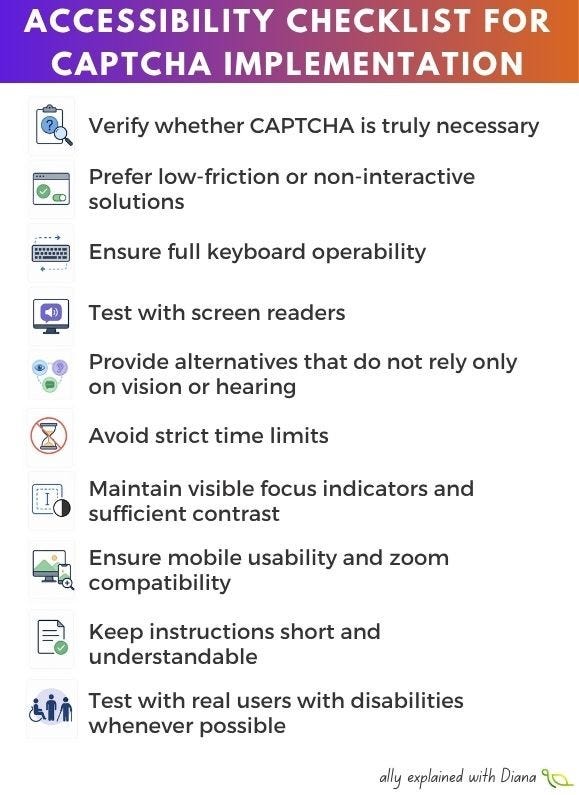
Here is an accessibility checklist for CAPTCHA implementation:
✅ Verify whether CAPTCHA is truly necessary
✅ Prefer low-friction or non-interactive solutions
✅ Ensure full keyboard operability
✅ Test with screen readers
✅ Provide alternatives that do not rely only on vision or hearing
✅ Avoid strict time limits
✅ Maintain visible focus indicators and sufficient contrast
✅ Ensure mobile usability and zoom compatibility
✅ Keep instructions short and understandable
✅ Test with real users with disabilities whenever possible
Security mechanisms should protect users, not exclude them. Accessibility and security are not competing goals, both exist to ensure people can use digital services safely, efficiently, and independently.